The average phone camera roll contains thousands of images. Many are duplicates, screenshots, blurry shots, or moments that no longer hold meaning. The library grows until opening the Photos app produces a quiet sense of overwhelm. Most advice responds with elaborate organization systems or specialized software. Those solutions frequently become new unfinished projects that add guilt without reducing the mass.
This method is designed for normal adults with limited time and ordinary motivation. It reduces volume with clear rules, creates a simple archive for keepers, and identifies a small number of images worth printing. The goal is a library that feels lighter and a habit light enough to repeat.
Why Photo Libraries Become Heavy
Phones make capture effortless and deletion slightly effortful. Screenshots accumulate from temporary information. Bursts produce near-duplicates. Everyday moments are captured without later review. Cloud backups preserve everything, including the junk. The emotional result is a library that mixes treasured memories with visual noise. Finding the good photos becomes harder. The noise creates mild avoidance.
The problem is rarely a lack of tools. It is the absence of a finite, low-decision process that busy people will actually finish.
A Three-Category Approach That Limits Decisions
Delete, Archive, or Print
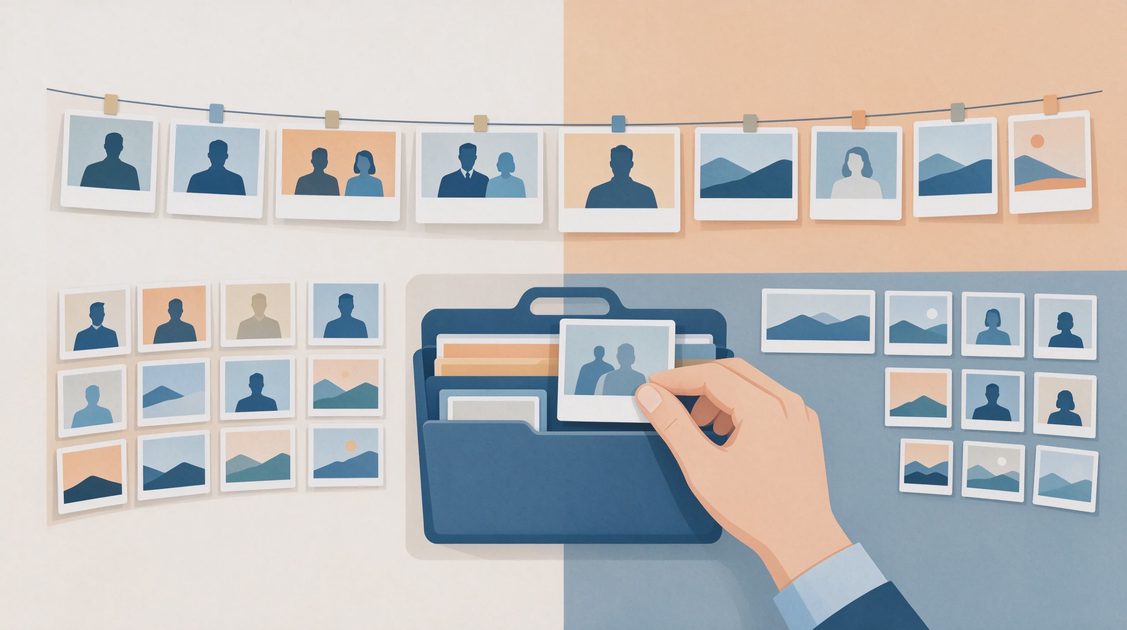
Every photo falls into one of three categories during cleanup:
Delete — no lasting value.
Archive — worth keeping but not needed in the primary view.
Print or Feature — high personal value; deserves physical form or special placement.
Working in clear categories reduces the endless “maybe” that stalls most photo projects.
Pass One: Obvious Deletions
Open the Photos app and begin with the most recent months. Delete without hesitation:
Screenshots of temporary information (used boarding passes, confirmation codes, random web pages)
Blurry or accidental shots
Near-duplicates from bursts—keep the best one or two
Images of receipts or documents already filed elsewhere
Screenshots of conversations that no longer matter
Most people remove hundreds of images in the first thirty to forty-five minutes with almost no regret. The visual relief is immediate.
Pass Two: Screenshots and Documents
Many libraries contain hundreds of screenshots never intended as permanent records. Filter or search for screenshots if the phone allows it. Keep only those that still serve a clear purpose—a recipe actually used, a reference image still needed, a document not yet filed. Delete the rest. Documents that belong in an Admin folder should be moved there and then removed from the camera roll.
Building a Simple Archive Without Deep Organization
One Archive Album Is Enough
Most phones and cloud services support albums or folders. Create one album called “Archive” or “Older Photos.” Move batches of less-essential but still meaningful images there. The primary Photos view becomes easier to browse. Search still finds everything. No event-by-event or person-by-person structure is required for the archive to be useful.
Yearly Archives as an Optional Next Step
If volume is very high, a single level of yearly archive albums can help. Keep the structure shallow. The moment the archive itself requires ongoing maintenance, it has become part of the problem.
What Stays in the Primary Library
Clear favorites—strong portraits, meaningful family moments, places you want to remember—remain in the main view or are marked as favorites. Everything else that survives the deletion pass can live comfortably in the archive.
Deciding What Is Worth Printing
Printing Moves Value Out of the Digital Second Job
Printing is the highest-value action for a small number of images. It transfers them from a growing digital library into physical life where they can be seen without unlocking a device.
Good candidates include:
Strong portraits of family members
Milestone moments and ordinary days that feel representative
Images you find yourself returning to digitally
Keep the Print Set Small and Finished
You do not need hundreds of prints. A set of twenty to fifty well-chosen images, or a single simple photobook, creates more lasting satisfaction than a perfectly organized digital library that is rarely opened. Choose one print service, select the images in a single session, and complete the order. The finished physical result reinforces the value of the cleanup far more effectively than another digital folder.
A Sustainable Maintenance Habit
Ten Minutes Once a Month
Once a month, or whenever the camera roll starts to feel heavy again, spend ten minutes deleting the newest obvious junk—screenshots, blurry shots, and duplicates. Do not attempt a full cleanup. The short version prevents rapid regrowth and is light enough to survive busy weeks.
Some people perform this while waiting in line or during other small pockets of time. The key is brevity. A ten-minute habit lasts. A multi-hour project does not.
What the Habit Protects
The monthly pass protects the gains of the initial cleanup. Without it the library slowly returns to its previous state. With it the lighter feeling persists with almost no ongoing effort.

What Not to Do During Cleanup
Avoid Perfect Organization Projects
Do not try to organize every photo by event, person, or location in one pass. That level of structure is a separate, open-ended project and is often unnecessary given modern search and facial recognition.
Do Not Delete Under Emotional Pressure
If a photo produces genuine hesitation, leave it for now. Uncertainty is normal. Forcing deletions creates regret that undermines the entire effort.
Keep Scope Tight
Do not let the cleanup expand into a full backup overhaul or cloud-migration project. Those are valuable but distinct efforts. Mixing them turns a finite cleanup into an unfinished marathon.
After the First Cleanup
Notice the Immediate Difference
The reduction in visual noise is usually obvious the next time the Photos app is opened. Favorites are easier to find. The sense of quiet dread softens. That relief is the best reinforcement for the monthly habit.
Schedule a Second Pass If Needed
If the library remains very large after the first session, schedule a second focused block for the following month. Two finished sessions are more effective than one abandoned attempt at completeness.
The Real Goal of Photo Cleanup
A photo library does not need to be perfect. It needs to be light enough that it can be opened without resistance and that the images that matter can be found without scrolling through years of noise. Deleting the obvious junk, creating a simple archive for the rest, and printing a small number of keepers achieves that state for most people.
The digital second job of managing an ever-growing camera roll becomes smaller. The photos that remain are easier to enjoy. That is a practical and durable improvement for busy adults who already have enough to maintain.