Keeping an older phone, laptop, or tablet feels responsible. Replacement feels like unnecessary spending. Yet there is a point at which the ongoing costs of an aging device—repairs, workarounds, lost time, and compatibility friction—exceed the price of a new one. Crossing that point without noticing is common. This article offers a clear-eyed way to notice it and decide with ordinary numbers rather than vague guilt or enthusiasm.

The Visible Price Versus the Distributed Costs
The purchase price of a new device is visible and concentrated. The costs of the old one are distributed across months and easy to discount. Making those distributed costs visible is the first step toward a rational decision.
The Real Costs of Holding On
Repair and Parts
Batteries, screens, ports, and other components fail. Each repair carries a direct cost and a time cost of arranging it, transporting the device, and living without it during the process.
Performance Friction
Slow launches, lag, and occasional crashes consume small amounts of attention many times a day. The cumulative time is rarely measured, yet it is real. A device that regularly interrupts flow adds quiet drag to every work or personal session.
Compatibility Tax
Older devices eventually lose support for current apps, security updates, or accessories. Workarounds appear—older app versions, limited features, or the need to keep a second device for specific tasks. Each workaround is a small ongoing tax.
Battery and Power Anxiety
A phone that must stay near a charger or a laptop that only works reliably when plugged in creates low-grade planning overhead. The mental load of managing power becomes part of the daily background.
Data Risk
Aging hardware is more likely to fail without warning. Backups mitigate catastrophic loss, but restoration still costs time and attention. The risk itself is a form of background cost.
A Practical Decision Framework
Gather Four Numbers
When a device starts to feel burdensome, collect:
Estimated remaining useful life if current maintenance continues
Likely repair or workaround costs over that period
Hours per month lost to slowness, crashes, or workarounds
Price of a suitable replacement (new or carefully chosen used)
Convert the time cost into a rough dollar figure using whatever hourly value feels reasonable for the situation. Add expected repair costs. Compare the total to the replacement price amortized over the expected life of the new device.
The calculation does not need laboratory precision. It needs to make the hidden costs visible enough to compare against the visible purchase price.
Common Thresholds That Appear in Practice
Phones. When battery health drops significantly and the cost of a battery replacement plus the time to arrange it approaches the price of a mid-range new phone—especially if software support is also ending—replacement often becomes the lower-total-cost choice.
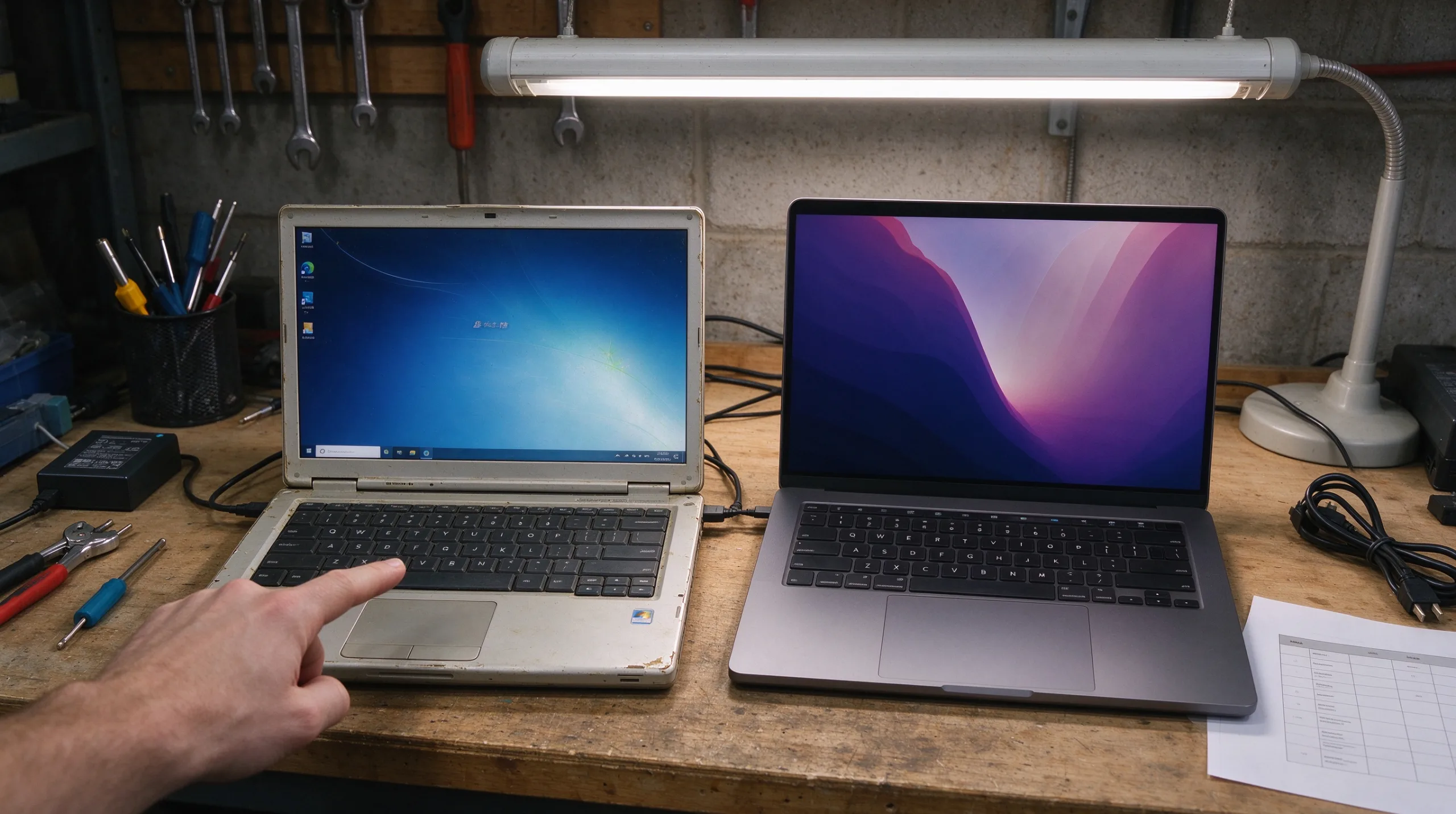
Laptops. When the machine can no longer comfortably run the core software required, or when repair quotes exceed roughly 40–50 percent of a comparable new machine, the economics usually favor replacement.
Tablets. These often enjoy longer comfortable lifespans because their jobs are lighter. Replacement becomes attractive mainly when the battery or screen fails and repair cost is high relative to a current model.
Non-Financial Factors That Still Count
Security and Support
Security updates eventually end. Continuing to use a device that no longer receives them carries risk that may not be acceptable for accounts that matter. This risk is difficult to price but still real.
Daily Frustration and Avoidance
A device that is unpleasant to use quietly increases procrastination on necessary digital tasks. The friction has a behavioral cost even when it does not appear in a spreadsheet.
External Requirements
Family sharing, work software, or institutional requirements sometimes force an upgrade on a timeline that pure personal calculation would delay. Those external constraints belong in the decision.
A Simple Comparison Table
Factor | Old Device | New Device |
|---|---|---|
Upfront / remaining cost | Expected repairs and parts | Purchase price |
Monthly time friction | Estimated hours lost | Near zero |
Software and security support | Remaining years | Full current support |
Battery / power overhead | High / Medium / Low | Low |
Expected additional useful life | ||
Total estimated cost over period |
Filling the rows with best estimates usually clarifies the direction without requiring perfect data.
How to Replace Without Creating New Problems
Choose Adequacy Over Maximum Specifications
If the decision favors replacement, select a device that meets actual needs rather than maximum specifications. Mid-range is sufficient for most people and keeps the new cost closer to the true requirement.
Transfer and Confirm
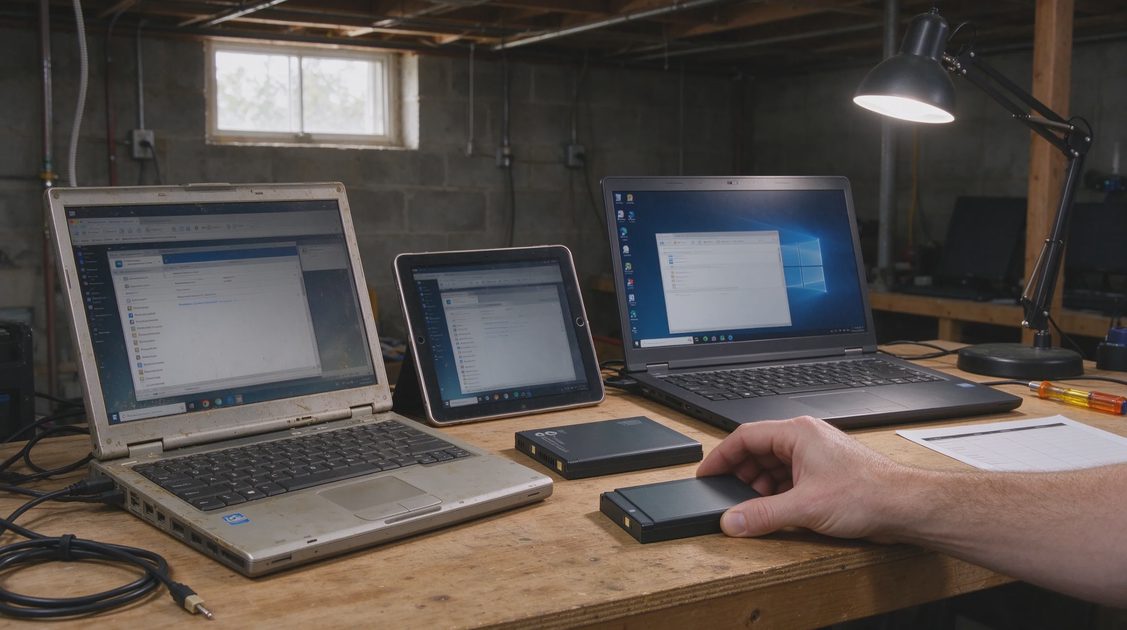
Move data carefully and confirm that everything important has transferred successfully before wiping the old device.
Dispose Responsibly
Wipe the old device and either trade it in, sell it, or recycle it through a responsible program. Keeping a non-functional or barely functional device “just in case” usually creates clutter without meaningful benefit.
Secondary-Use Exception
If the old machine still functions adequately for a narrow secondary role—a kitchen tablet, a travel backup, or a child’s device—keeping it can make sense. If it is simply being stored against an undefined future need, releasing it is usually cleaner.
The Maintainable Standard for Devices
The goal is not to replace devices on a fixed schedule or to chase the newest model. The goal is to notice when the cumulative cost of keeping the old one has quietly exceeded the cost of moving on. Making that comparison explicit prevents both premature upgrading and prolonged endurance of unnecessary friction.
A device should support daily life with minimal ongoing attention. When it begins to demand regular workarounds, repairs, and patience, it has stopped being a quiet tool and started being a part-time job. At that point a new device is often the cheaper and calmer choice—measured in money, time, and the reduction of background digital drag.
The same standard applied to apps and systems applies here: a good device is one you can still live with comfortably six months from now without constant negotiation. When that standard is no longer met, replacement becomes the practical maintenance decision rather than an indulgence.