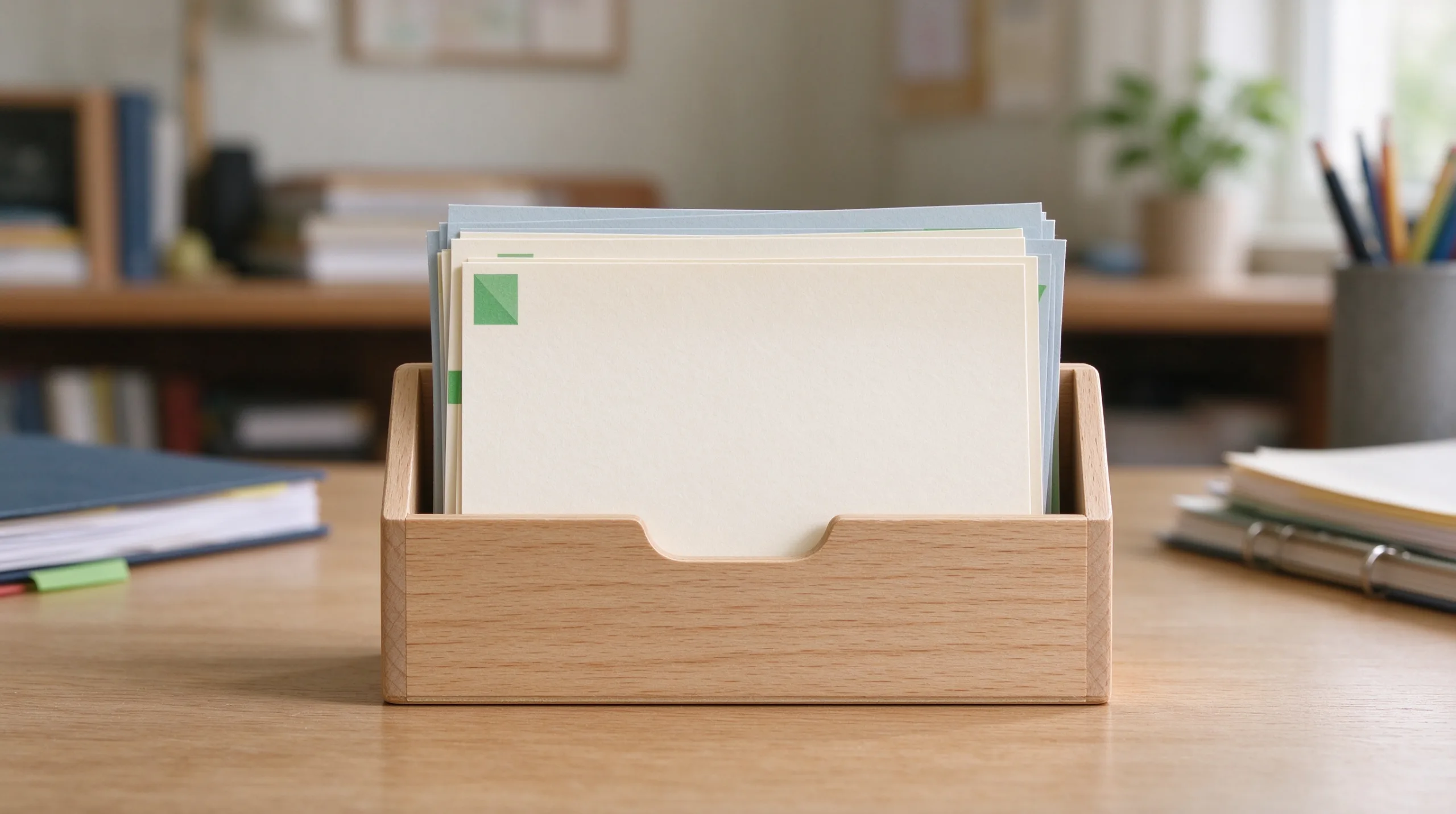
A missing receipt or an expired return window is a small problem that creates outsized irritation. The document existed. It was emailed, photographed, or stuffed into a drawer. Then it disappeared into the general digital or paper mess. The same pattern repeats with warranties and confirmation numbers. The result is avoidable friction at the exact moment you need proof of purchase or still have time to return something.
A maintainable system for these items does not require specialized software, elaborate tagging, or perfect discipline. It requires one reliable capture habit, one storage location, and a light way to surface the deadlines that actually matter. The system described here is deliberately boring. That is why it survives ordinary life.

The Core Structure in Three Pieces
The entire system rests on three elements:
One capture default — every receipt, warranty, or return-related confirmation is moved to a single known place immediately.
One storage folder — a digital folder called “Receipts & Warranties” (and a single physical envelope for the rare paper originals that must be kept).
Deadline visibility — return windows and significant warranty end dates are placed on the personal admin calendar with a reminder.
Nothing else is required. Depth and complexity are the enemies of consistency in this domain.
Capture Rules That Actually Get Used
The Moment of Arrival Is the Only Reliable Moment
The moment a receipt arrives—by email, paper, or photo—apply one of two actions without delay:
If it is digital, forward or save it directly into the Receipts & Warranties folder (or apply a dedicated email label that auto-files there).
If it is paper, photograph it, send the photo to the same folder, and discard the paper unless an original ink signature or physical slip is required for returns or warranty claims.
Do not leave receipts in the general inbox, the camera roll, or a “to file later” pile. Later is when they disappear. The capture rule must be faster than the habit of leaving the item where it landed.
Online Purchases Are Usually Straightforward
For online orders the confirmation email is normally sufficient. File it the same day. If the retailer provides a downloadable PDF invoice, prefer that version for clarity and permanence.
Handling the Occasional Paper Requirement
Some returns, tax situations, or warranties still require the original paper. Keep a single envelope or small folder labeled “Paper Receipts – Current Year.” At year end discard anything no longer needed and start a fresh envelope. This prevents the paper pile from becoming permanent while still protecting the few items that must remain physical.
Storage and Naming That Stay Simple
One Folder, Consistent Names
Inside the Receipts & Warranties folder use a simple sortable naming pattern: YYYY-MM Vendor – Item.
Example: 2025-09 Amazon – Wireless Headphones.
No deep subfolders are required for most people. If volume grows high, a single level of year folders is enough. Modern search will handle the rest. The moment the folder structure itself requires ongoing decisions, it has become part of the problem.
What Belongs and What Does Not
The folder is for proof of purchase, warranty documents, and return-related confirmations. It is not a general archive of every transaction or a substitute for full financial record-keeping. Keeping the scope narrow protects the system from bloat.
Making Return Deadlines Visible Before They Expire
Not Every Purchase Needs a Calendar Entry
Most return windows are short—fifteen, thirty, or ninety days. Calendar only the purchases where missing the window would actually matter: higher-cost items, uncertain fit, new-to-you products, or anything you already suspect you might return. Small everyday purchases do not need this treatment.
How to Calendar Effectively
Create an event on the last practical return date. Set a reminder three to five days earlier. Include the order number or a direct link to the receipt in the event notes. When the reminder fires, the decision and the proof are both immediately available.
Warranty End Dates
Longer warranties on electronics, appliances, or tools deserve a calendar entry near the end of the coverage period only if the item is significant. For most consumer goods the receipt itself, stored in the folder, is sufficient. When a problem arises you search the folder by vendor or approximate date.
The Only Ongoing Maintenance Required
Tie It to an Existing Review
During the weekly personal admin review, glance at any upcoming return-deadline calendar events. That is the only recurring maintenance the system needs. The capture habit does the heavy lifting. Because the review is already short and calendar-based, adding a quick glance does not create new burden.
What Happens When Capture Is Missed
Missed captures will occur. When a needed receipt is missing, search email and the camera roll once, file whatever is found, and move on. Do not turn a single miss into a new organizational project. The system improves with ordinary use; it does not require perfection.
A Realistic Implementation Path
Start with the Next Ten Receipts
Do not migrate years of old receipts before the system is in use. Begin with the next ten that arrive. File them using the new default. Create the folder if it does not exist. Add calendar events only for the next two or three purchases that have meaningful return windows. The system becomes useful immediately and improves without a large upfront project.
A Simple Tracking Table for the First Month
Date Received | Vendor / Item | Filed? | Return Deadline Calendar? | Notes |
|---|---|---|---|---|
Yes/No | Yes/No |
Using the table for the first few weeks builds the habit. After that the process becomes automatic for most people.
Why Low Friction Is Non-Negotiable
Any system that requires extra steps at the moment of purchase will be skipped when you are tired, rushed, or carrying groceries. The capture rule must be faster and easier than leaving the receipt in the inbox or camera roll. Forwarding an email or snapping a photo and sending it to a known folder meets that test. More elaborate systems usually fail it.
The reward appears the first time you need a receipt and find it in under thirty seconds, or the first time a calendar reminder prevents a missed return. Those concrete wins reinforce the habit more effectively than any abstract commitment to organization.
Common Failure Modes and How to Avoid Them
Turning the Folder into a General Dump
Resist the urge to file every email or document into Receipts & Warranties. Scope creep destroys findability. Keep the folder narrow.
Over-Calendaring
Calendaring every small purchase creates noise and leads to ignored reminders. Reserve calendar entries for purchases where the return window actually matters.
Waiting for a Perfect App
Specialized receipt apps can work for some people. They also introduce another account, another interface, and often another subscription. The simple folder-plus-calendar approach uses tools most adults already have and therefore has a higher chance of lasting.
The Larger Point
Receipts, warranties, and return deadlines are classic sources of the digital second job—small, recurring, easy to defer, and irritating when they surface as emergencies. A single capture default, one storage location, and light calendar use for the deadlines that matter remove most of that friction.
The system asks for almost nothing on ordinary days and is still there when you need it. That combination—low daily cost and high reliability at the moment of need—is the definition of a maintainable personal admin practice. A good system is one you can still live with six months from now. This one meets the test.