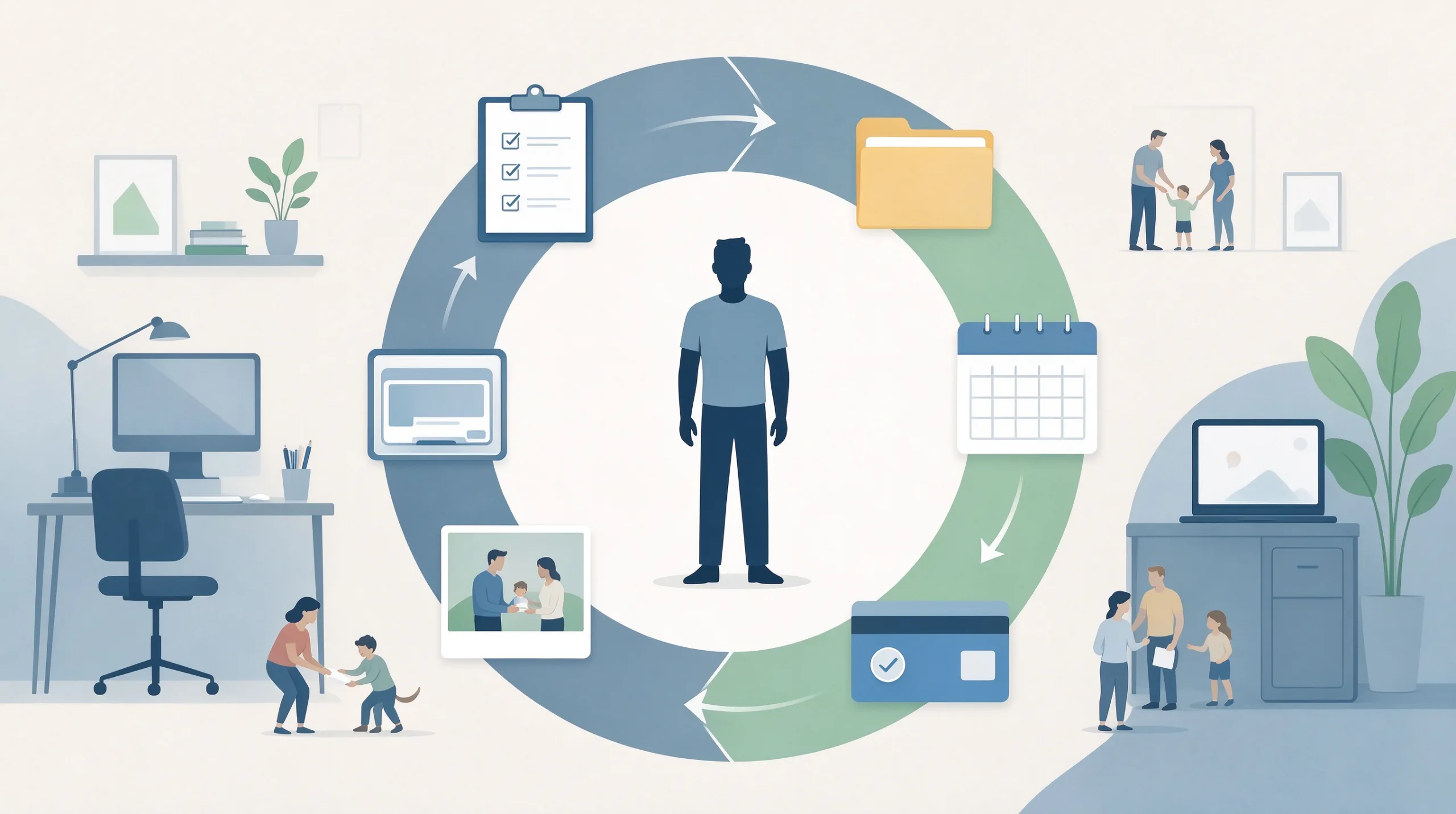
“Free” is the most persuasive word in software marketing. It removes the pause that normally accompanies a purchase decision and turns every new tool into an apparently risk-free experiment. Months later many people discover they have accumulated a collection of free productivity apps that each demand small amounts of attention, create mild data lock-in, and eventually press for payment. The money was never the only cost. The real price is paid in ordinary time, decision energy, and the quiet growth of digital obligations.
This article looks at those non-monetary costs with the same calm scrutiny applied to paid subscriptions. The goal is not to reject free software. The goal is to stop treating “free” as automatically safe and to give busy adults a clear way to decide which free tools still earn their place.
Why Free Feels Safer Than It Is
The absence of a price tag changes behavior. People try tools they would never pay for. They leave accounts open after the novelty fades. They accumulate overlapping systems because each one seemed costless at the moment of signup. Over time the collection itself becomes the problem: more logins, more places to look, more update prompts, and more low-grade decisions about whether to keep or abandon each tool.
Free tiers are not acts of generosity. They are customer-acquisition strategies. The product is designed to create enough dependence that the paid upgrade feels like the natural next step. Understanding that design removes the illusion that free is neutral.
The Four Hidden Costs Most People Overlook
Attention Cost
Every free app still requires setup, occasional learning, and ongoing maintenance. Notifications, feature announcements, storage warnings, and update prompts consume attention even when the core function is simple. A tool that saves three minutes on a task can easily cost more than three minutes across a month of small interruptions.
Attention is finite. Tools that continually request it are not free; they are simply billing in a different currency.
Data and Switching Cost
Notes, tasks, files, or habits stored inside a free app become harder to leave as volume grows. Export functions are often incomplete, poorly formatted, or buried. The longer the data lives in the tool, the higher the psychological and practical cost of leaving. What began as a lightweight experiment turns into a quiet form of lock-in.
Upsell Pressure
Free tiers exist to convert users. The pressure can be subtle—feature gates that appear exactly when you need them, storage limits that arrive after months of use, or persistent upgrade banners—or it can be overt. Either form adds friction. The tool that once felt helpful begins to feel like a salesperson.
Fragmentation Cost
Each additional free app is another place information can live, another login to remember, and another system that can drift out of sync with the others. Fragmentation is rarely dramatic. It is cumulative. The result is more searching, more uncertainty about where something was saved, and more background mental load.
A Practical Evaluation Framework
Four Questions Before You Keep a Free Tool
When reviewing any free productivity app, ask:
What specific job does this do that my existing tools do not already handle adequately?
How much ongoing attention does it require after the first two weeks?
How difficult would it be to leave if the free tier changed or disappeared?
Does the free version create regular pressure to upgrade?
Vague or uncomfortable answers are useful data. They usually indicate the tool is not free enough for long-term use.
Applying the Framework to Common Categories
Notes and writing apps. Free tiers often limit devices, storage, or advanced organization. Capture feels good. Long-term reliability depends on whether actual usage stays inside the free limits and whether export remains practical.
Task and to-do apps. Many free versions restrict lists, collaborators, or integrations. For personal use the limits are frequently high enough. The hidden cost appears when the app invites more elaborate systems than the free tier comfortably supports.
File and cloud tools. Free storage fills. The upgrade prompt arrives precisely when dependence is highest.
AI-assisted tools. Free tiers usually carry usage caps. The tool trains reliance, then throttles the usage that made it valuable.
When Free Is Genuinely Useful
Narrow Jobs with Clean Exit Paths
Free tools earn their place when three conditions hold:
The job they perform is narrow and well-defined.
The free tier covers actual usage without constant limits or prompts.
Exit is relatively easy—export works and the data is not deeply entangled.
Examples include a simple scanner that creates clean PDFs, a basic calculator-style utility, or a free-tier password manager while the vault remains small. In these cases the tool stays lightweight and the relationship remains optional.
Tools Already Present on Your Devices
Built-in notes, reminders, and file apps carry almost no additional attention or fragmentation cost. They are already authenticated, already backed up according to your existing setup, and already part of the daily environment. Preferring them over new free third-party apps is often the lowest-friction choice.
When Free Becomes Expensive
Central Systems Create High Switching Costs
A notes app that holds years of thinking, a task manager that contains every project, or a cloud drive that holds irreplaceable files all create high exit costs. At that point the free tier is a temporary subsidy, not a permanent arrangement. The practical response is either to accept the eventual paid plan as the real cost or to choose a different tool whose terms are clearer from the start.
The Slow Accumulation Problem
One free app rarely feels burdensome. Five or six overlapping free apps often do. The individual attention costs are small; the collective load is not. Periodic review prevents the collection from becoming its own maintenance project.
A Keep-or-Cut Decision Table
App Name | Primary Job | Attention Cost | Exit Difficulty | Upsell Pressure | Decision |
|---|---|---|---|---|---|
Low / Med / High | Easy / Medium / Hard | None / Mild / Persistent | Keep / Cut / Monitor |
Fill the table honestly for every free productivity app currently in use. Patterns become visible quickly. Tools that score high on attention, exit difficulty, or upsell pressure are candidates for removal even if they remain technically free.
Practical Steps for Reducing Hidden Costs
Export Before You Decide
Export data from any free app you are unsure about. Having a usable backup lowers the psychological cost of leaving and makes a later keep-or-cut decision easier. Do this while the data is still modest in size.
Silence Non-Essential Notifications
Much of the attention cost comes from prompts rather than core use. Turning off non-essential notifications immediately reduces the daily tax without requiring a full deletion.
Schedule a Six-Month Review
Free tiers change. Usage patterns change. A calendar reminder every six months to re-evaluate free tools prevents slow accumulation. The review itself can be short—fifteen to twenty minutes is often enough.
Prefer Honest Free Tiers
Tools whose free tier is positioned as permanently useful rather than as a limited trial tend to create less long-term friction. The business model is more transparent and the relationship stays clearer.

The Larger Point
Free is not the opposite of paid. Free is a pricing strategy that shifts cost from money to attention, data, and future decisions. For some tools the trade is excellent. For others it is a slow accumulation of small obligations that together recreate the digital second job.
A clear-eyed look at the hidden costs lets you keep the free tools that remain genuinely light and release the ones that have become expensive in ways that never appear on a receipt. That is the only sustainable way to use free software without letting it quietly use you.
The standard remains the same: a good system is one you can still live with six months from now. Apply that standard to free tools with the same rigor applied to paid ones. Most people end up with fewer apps, clearer defaults, and noticeably less background friction.