A phone cleaner app can look like the perfect answer when your storage is full, your camera roll is chaotic, and your device keeps warning you about available space. But the useful question is not simply whether one can delete files. It is whether the tool solves a real problem without creating another recurring chore, subscription, or privacy concern.
Most people do not need a dramatic digital reset. They need a short, visible cleanup that makes a phone easier to use. A sensible phone cleaner app can help identify duplicate photos, oversized videos, old screenshots, downloaded files, and applications you no longer open. The best choice also makes every deletion understandable before it happens.
What a phone cleaner app actually does
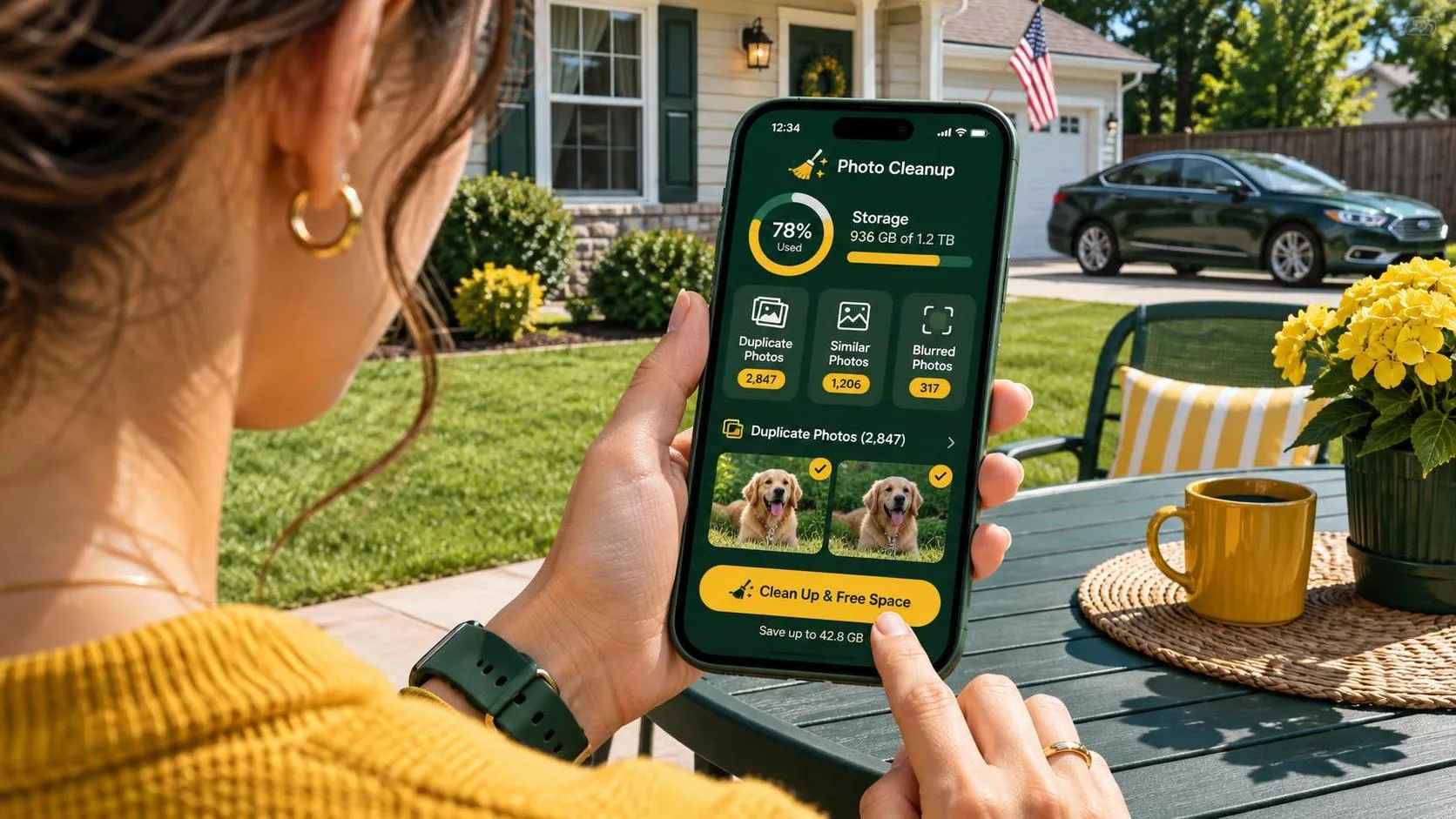
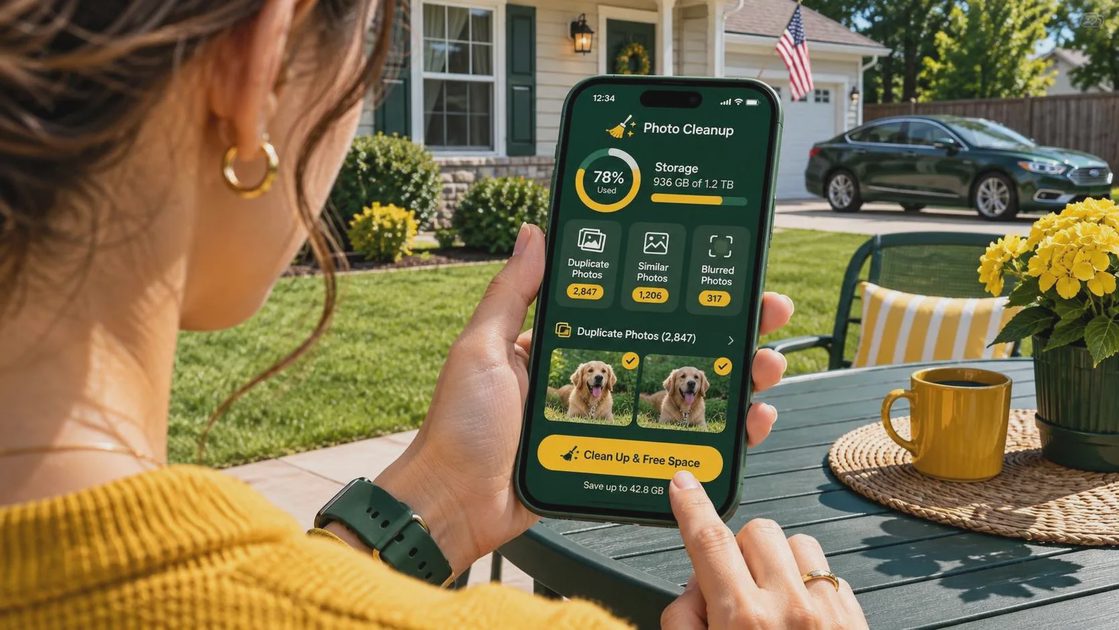
On an iPhone or Android device, cleaning tools usually scan categories rather than magically improving the entire phone. They may group similar photos, find blurry images, display large videos, identify duplicate contacts, or show applications that have not been used recently. Some also offer storage reports that reveal whether photos, messages, podcasts, downloads, or cached data are consuming the most space.
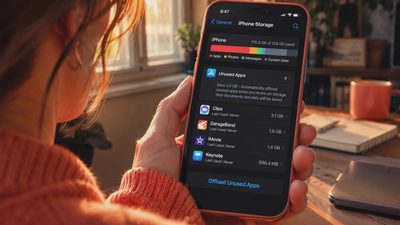
That distinction matters. A cleaner cannot repair a failing battery, make an older processor genuinely faster, or safely remove important system files. It can make storage decisions easier. On many devices, the built-in storage screen already provides some of this information. Apple offers iPhone Storage recommendations, while Android phones commonly include storage management through Settings or Files by Google.
A phone cleaner app is most useful when the built-in tools leave you with too many items to review manually. It should sort the mess into clear groups, show previews, and let you approve changes. Treat promises about instant speed boosts with skepticism. Freeing storage can improve usability when space is critically low, but it is not the same as upgrading hardware.
When the tool is worth using
The strongest case is a phone with a crowded camera roll and limited free space. Imagine a parent with 18,000 photos, hundreds of screenshots, and several long videos from school events. Manually reviewing every image could take a weekend. A cleaner that places near-identical photos together can reduce that task to a focused 20-minute review.
It can also help after travel, a home renovation, or a period of heavy work messaging. Those situations produce downloaded boarding passes, duplicate receipts, temporary PDFs, screen recordings, and group-chat images. A phone cleaner app can expose the material that is easy to overlook when it is scattered across several folders.
The value is lower when your phone has plenty of free space and your files are already organized. In that situation, installing a new tool may simply add notifications and another account to manage. Ask, “What problem is this solving?” If the answer is only a vague feeling that the phone should be cleaner, start with the device’s own storage recommendations.
How to choose one without creating more clutter
Start with the business model. A tool that is free to download may rely on a weekly subscription, aggressive upgrade screens, or advertising. A price such as $3 to $8 per month can seem minor, but it becomes an unnecessary annual expense if you use the app once and forget it. Look for a one-time purchase, a short trial with a clear cancellation path, or a genuinely useful free tier.
Next, inspect the permissions. A photo organizer needs access to your photos, but a storage utility should not require contacts, microphone access, location history, or unrelated account data. Read the privacy summary in the App Store or Google Play listing, then check whether processing happens on the device or through a company server. Your family photos and personal documents deserve more care than a casual utility often receives.
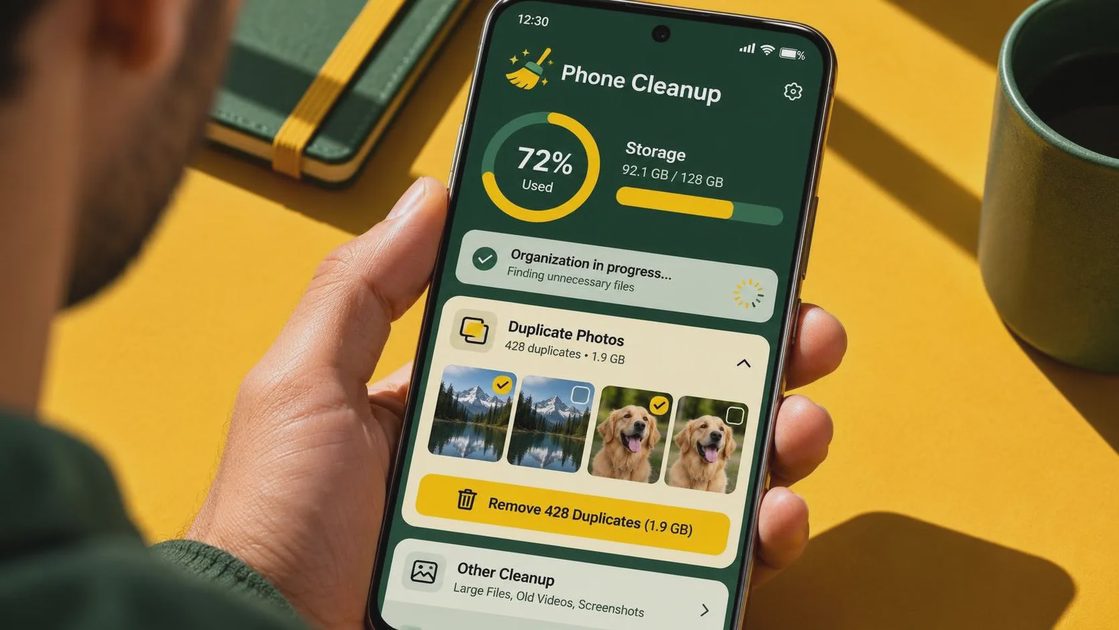
A good phone cleaner app should also provide a review screen before deletion. Preview images, file names, dates, and file sizes should be visible. Avoid tools that emphasize a large “clean now” button while hiding what will disappear. You want reversible actions where possible, such as moving photos to a trash folder before permanent deletion.
A safe 30-minute cleanup process
Before opening a phone cleaner app, back up important photos and documents. Confirm that iCloud Photos, Google Photos, OneDrive, or another backup service has finished syncing. A backup is not a substitute for review, but it gives you a recovery option if you make a mistake.
First, review large videos. A handful of four-minute recordings can consume more space than thousands of ordinary photos. Save meaningful clips to your computer or cloud storage, then remove accidental recordings and repeated versions. Next, inspect screenshots. Keep receipts, measurements, medical instructions, and travel details until they are no longer useful; delete jokes, search results, and expired confirmations.
Then review duplicate and similar photos one group at a time. Keep the sharpest image with the best expression, not necessarily the newest file. Be careful with burst photos, scanned documents, and pictures of children where several frames may look similar but capture different moments. Finally, check downloads and unused applications through the phone’s normal settings. Delete only after confirming you can retrieve any needed files.
Common mistakes that make cleanup harder
The first mistake is accepting every recommendation automatically. Similar does not mean disposable. A cleaner may group two photos that look alike but were taken in different lighting or contain separate information. Human review is still necessary for sentimental images, documents, and work materials.
The second mistake is confusing cache with personal clutter. Cached files are temporary data created by an application, and the operating system often manages them safely. Removing them may offer only short-term relief because the app will recreate them. Focus on large videos, forgotten downloads, duplicate media, and apps you no longer use.
The third mistake is paying before testing the workflow. Start with one category and see whether the grouping is accurate. If the tool makes you fight through advertisements, countdown screens, or repeated permission requests, stop. A fast cleanup is not worth adding frustration to an already crowded digital life.
Build a system that lasts six months
After the initial cleanup, maintenance should be small. Once a month, review large videos and downloads for five minutes. Once a quarter, check screenshots and unused apps. Turn off notifications from the cleaner itself unless you have a specific reason to receive them. The point is to reduce noise, not replace one form of digital clutter with another.
You may decide that the best phone cleaner app is no app at all. Apple and Android storage settings can handle basic reviews, and a recurring calendar reminder can provide enough structure. For other people, a carefully chosen utility is worthwhile because it turns a large, confusing camera roll into manageable groups.
My rule is simple: use the tool for a defined cleanup, cancel any subscription you do not need, and keep the phone’s built-in storage review as your default. A good system is one you can still live with six months from now. If the app saves 30 minutes today but demands attention every week, it is not reducing your digital maintenance. It is becoming part of the mess.