Subscription management does not require another paid app. Start with one list of recurring charges, note where each subscription is billed and when it renews, then review the list every three months. Cancel what no longer earns its place, and set reminders for the renewals that could surprise you. The aim is not to eliminate every small pleasure; it is to make sure you are paying for things you still want.
Find the subscriptions you already have
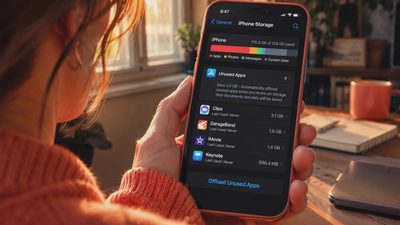
Give yourself 20 minutes to make a first pass. Open your bank and credit card statements and look for recurring charges. Search your email for terms such as “receipt,” “renewal,” “subscription,” and “trial.” Check the subscription sections of any app stores you use, too.
Look back at least a full year if you can. A monthly scan can miss annual cloud storage, domain names, software licenses, and memberships. Also check payment services and any card you use less often. The subscription list in one app store will not show a service billed directly by its provider.
Include the less obvious charges: extra storage attached to an email account, a meditation app you meant to try, a newsletter, or a video service bundled with another purchase. Free trials belong on the list as well, because they may become paid subscriptions unless you cancel in time.
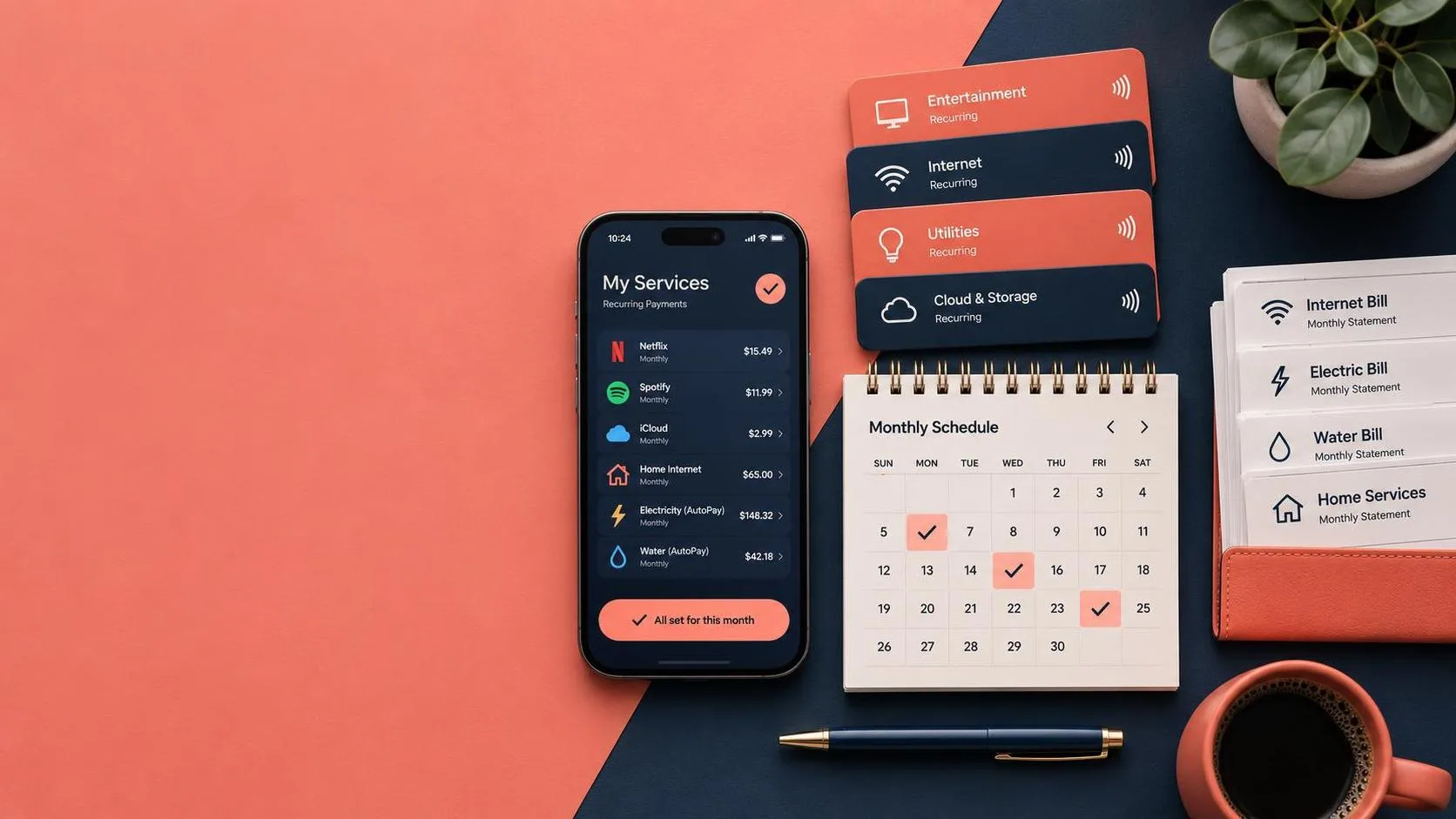
For each item, capture the service, amount and billing frequency, next renewal date, payment method, and where you manage or cancel it. Add a short note about who uses it or what it does. If you cannot find a renewal date, record the last charge and mark the next date as unknown rather than guessing.
Choose a list you will actually update
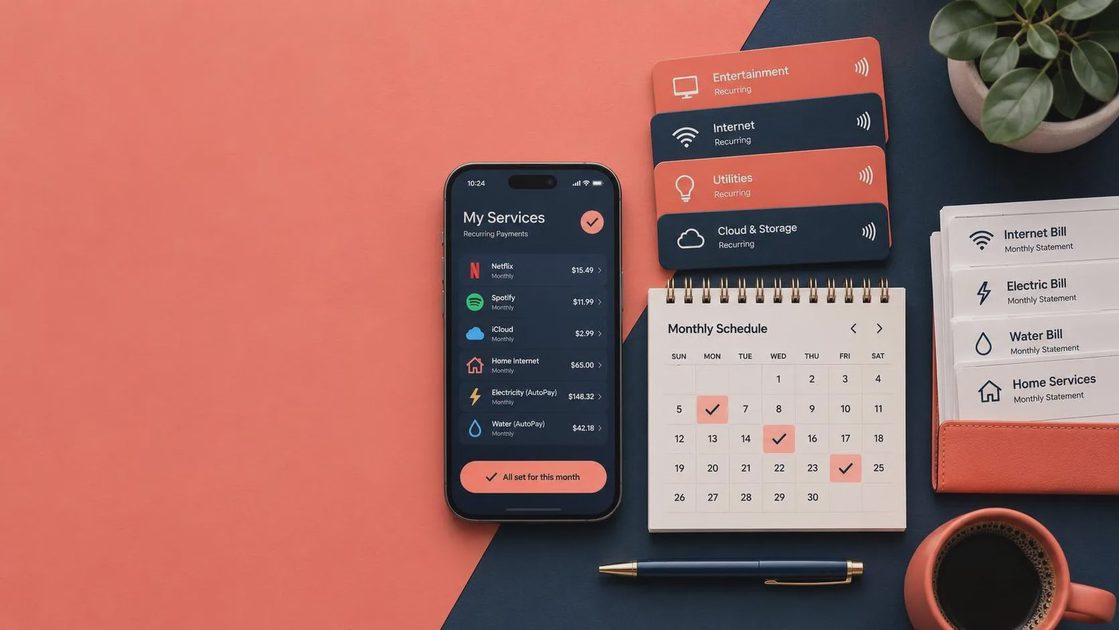
The best subscription management tool is often the one already within reach. A notes app works well for a short list; a spreadsheet makes it easier to sort by renewal date or total annual cost. A paper notebook is fine, too, as long as you pair it with calendar reminders for dates you might otherwise miss.
Keep the list somewhere you can find it quickly. You do not need account passwords, full card numbers, or security answers in this document. A note such as “billed to Visa ending 1234” is enough to identify the payment method. Store login credentials in a password manager instead.
For irregular or annual charges, add a calendar reminder a week or two before renewal, with the cancellation link or a note about where to find it. Check the provider’s terms: some services have a cancellation deadline or a renewal window that makes an earlier reminder useful. For a free trial, set the alert before the stated deadline, not on the day you hope to remember.
Paid tracking services can be convenient, particularly if they connect to financial accounts or help identify recurring transactions. But connection permissions, coverage, and fees vary. Before signing up, check what information the service accesses, how to disconnect it, and whether cancellation help costs extra. If maintaining a short list takes less effort, there is no reason to add another recurring charge.
Decide what stays and what goes
Good subscription management starts with one question: “What problem is this solving?” A music service you use most days may be an easy yes. An editing app you open twice a year might still be worth keeping if it replaces an expensive alternative. Usage matters, but it is not the only measure of value.
Look for overlap. Two cloud-storage plans may serve different purposes, but they may also be charging you to keep the same files in two places. Two streaming services may both be worthwhile, or you might prefer rotating between them. Check what each service actually holds or provides before cutting one.
Convert annual charges into a monthly equivalent when comparing options, and monthly charges into an annual total when checking their effect on your budget. A $12 monthly subscription costs $144 over 12 months before any price changes or taxes. That does not make it a bad purchase; it makes the trade-off easier to see.

Separate “not using now” from “never useful.” A seasonal sports package might be worth restarting later. A software plan tied to an active project might be worth keeping until the project closes. Write down a date to reconsider it rather than making the same decision from scratch every month.
Cancel without losing something important
Before ending a service, check what happens to your data, access, and billing. Download files, export notes, or transfer a domain when needed. If a storage plan is above its free allowance, find out whether uploads, syncing, or access will change after the downgrade. Give yourself time to move anything you need before the plan ends.
Cancel through the company or marketplace that bills you. That may be the provider’s website, an app-store subscription page, or another seller. Deleting an app or removing a payment card is not the same as canceling a subscription. Follow the cancellation process until you see confirmation, and save the confirmation email or a screenshot.
Note the date access ends and check the next statement for an unexpected charge. Cancellation may stop the next renewal without refunding the period already paid for; terms differ. If a charge appears after a confirmed cancellation, contact the billing provider with your confirmation details. Contact your card issuer if you cannot resolve it and need to ask about a dispute.
Make subscription management a quarterly habit
Put a 15-minute review on your calendar every three months. Open your list alongside a recent statement, add anything new, remove canceled services, and check upcoming annual renewals. You do not have to audit every transaction again; this is a quick reconciliation to catch changes while they are still easy to understand.
When you start a new trial or paid plan, add it immediately. Record the renewal date and the place to cancel before closing the signup screen. That small step prevents the list from becoming another neglected project.
A good system is one you can still live with six months from now. If a notebook and a few reminders keep the costs visible, you have enough subscription management. Spend the time you saved on something more interesting than reorganizing the list.