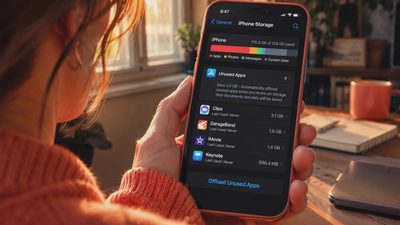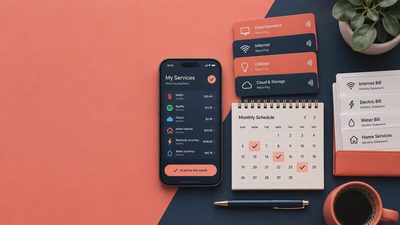
If you are losing track of subscriptions company charges can seem to appear out of nowhere. The fix is not necessarily another paid app: start with a year of card and bank statements, match recurring charges to the accounts that created them, and keep a short list of renewal dates. A single note and a monthly calendar reminder are enough for most people.
Find what is actually charging you
Set aside 30 minutes for a first pass. Open the statements for the cards and bank accounts you use for online purchases. Scan the last 12 months if you can: a monthly review alone can miss an annual software license or membership. If a statement is unavailable, check the account's transaction history or request it from the financial institution.
Write down each recurring charge, including the merchant name as it appears, the amount, and the date. Include services you recognize. The point is to make one complete picture, not just hunt for surprises. Note whether an amount is monthly, annual, or uncertain; do not assume a charge is monthly because you found it once.
Next, search your email for terms such as “renewal,” “subscription,” “receipt,” and “free trial.” Check the addresses you use for work, personal purchases, and older accounts. A receipt can reveal which email address is attached to a service and whether the renewal goes through the company itself or an app store.
Look at your Apple and Google account subscription pages if you have used their app stores. Also check payment services such as PayPal for automatic payments. These are useful extra views, not complete inventories: a service billed directly to a card may not appear in an app store list.

When losing track of subscriptions company names are unfamiliar
A statement descriptor may differ from the service name. A payment processor, parent company, or abbreviated business name can make a legitimate charge hard to recognize. Search the exact descriptor alongside the amount and date in your email, then check your account purchase histories. Avoid entering card details into a site you found through a search result.
If you identify the charge, record both names: for example, the service you use and the billing name on your statement. That small detail makes the next review much easier. If the transaction belongs to a shared payment method, ask the other authorized users before assuming it is a mistake.
Still cannot identify it? Contact your card issuer or bank using the number on your card or its official app. Ask for help identifying the merchant and discuss the dispute process if you believe the charge is unauthorized. Do this promptly; deadlines and protections can depend on the payment method and circumstances.
Replacing a card is not a reliable cancellation method. Some recurring payments may continue through updated card information, and a valid subscription agreement may still be in effect. Contact the merchant or billing platform to cancel when you can.
Make a list you will actually maintain
Use a paper notebook, a phone note, or a basic spreadsheet. I would not start by paying for a subscription manager to solve a subscription problem. A dedicated tool can be useful if it genuinely saves time, but first decide whether you are comfortable connecting financial accounts and review what data it can access.
For each service, record its name, purpose, cost and billing frequency, next renewal date if known, account email, billing route, and where to cancel. Add a note if a price is a temporary promotion. Do not put passwords, full card numbers, or security codes in the list.
For example, an entry might say: “Cloud storage; photo backup; annual charge; renews in October; personal email; billed directly; cancel in account settings.” If you do not know the exact renewal date, mark it as unknown and check the provider's billing page later. An honest gap is more useful than a guessed date.
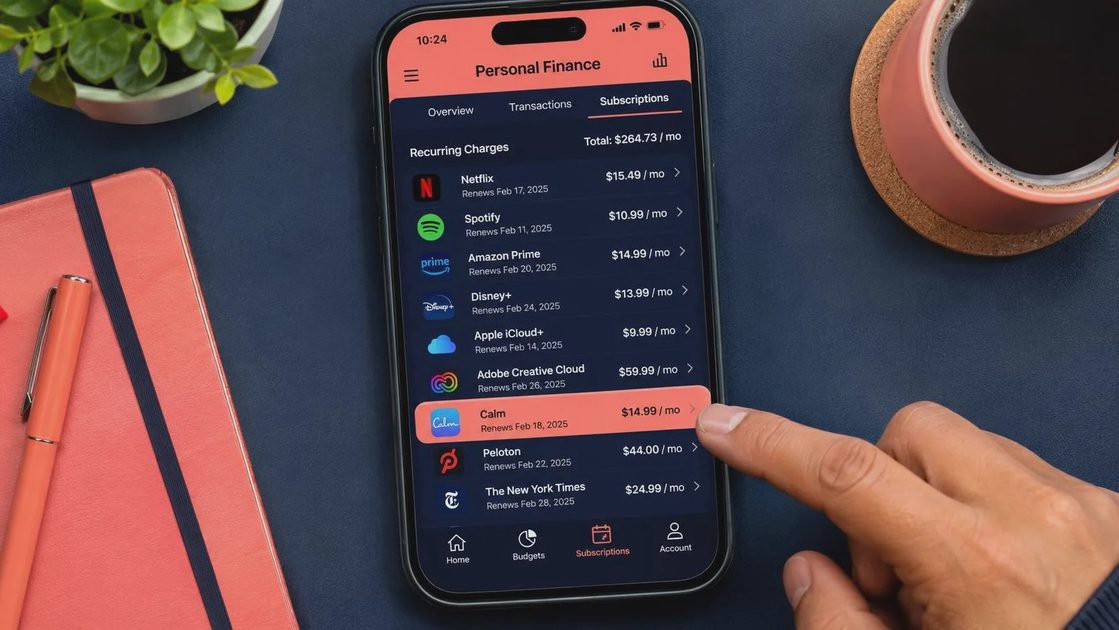
The setup is easy. The maintenance is the test. Add a calendar reminder a week or two before any annual renewal that you might want to reconsider. Give the reminder the service name and the date, not a vague instruction to “review subscriptions.”
Decide what to cancel without losing something important
Ask one question for each charge: “What problem is this solving?” A service can be worth keeping even if you use it infrequently. Backup storage, for example, may be doing valuable work in the background. On the other hand, two apps that solve the same small problem may not both deserve a recurring charge.
Before canceling, check what happens to stored files, saved work, email addresses, or account access. Download anything you need and confirm that it opens. If a shared plan affects other people, agree on a replacement before making the change. A cheaper plan may suit you, but check its limits before switching.
Cancel through the place that bills you. That could be the provider's website, an app store, or another billing partner. Deleting an app usually does not end its subscription. Read the final confirmation screen and save the confirmation email or take a screenshot. Some services remain available until the paid period ends; cancellation terms and refund eligibility vary.
For a free trial, note both the end date and the cancellation route when you sign up. Set a reminder early enough to make a decision, especially if you need to export work first. Check the trial's terms rather than assuming you will receive a warning before billing starts.
A ten-minute monthly reset
Once a month, compare recent transactions with your list. Add any new recurring service, remove canceled ones after confirming charges have stopped, and investigate anything that does not match. Once a year, scan for annual renewals and price changes. If a service changes its price, update the list when you see the notice or charge.
You do not need a perfect inventory today. Start with the accounts you use most, then fill in the gaps as renewals appear. A good system is one you can still live with six months from now.